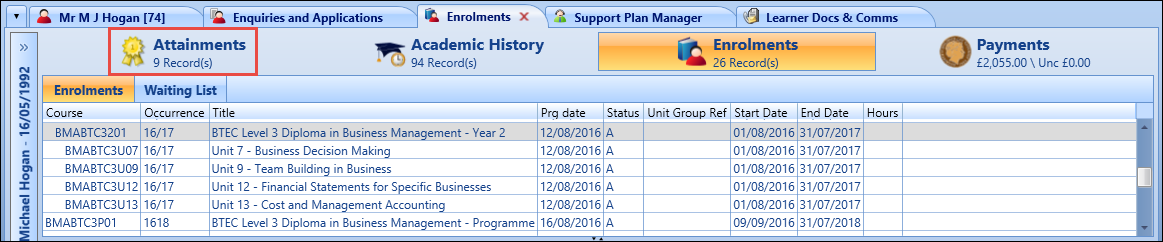
You can record learner attainment details using the Attainments screen in the enrolments module.
To display the Attainments screen, select the Attainments tab in the enrolments module.
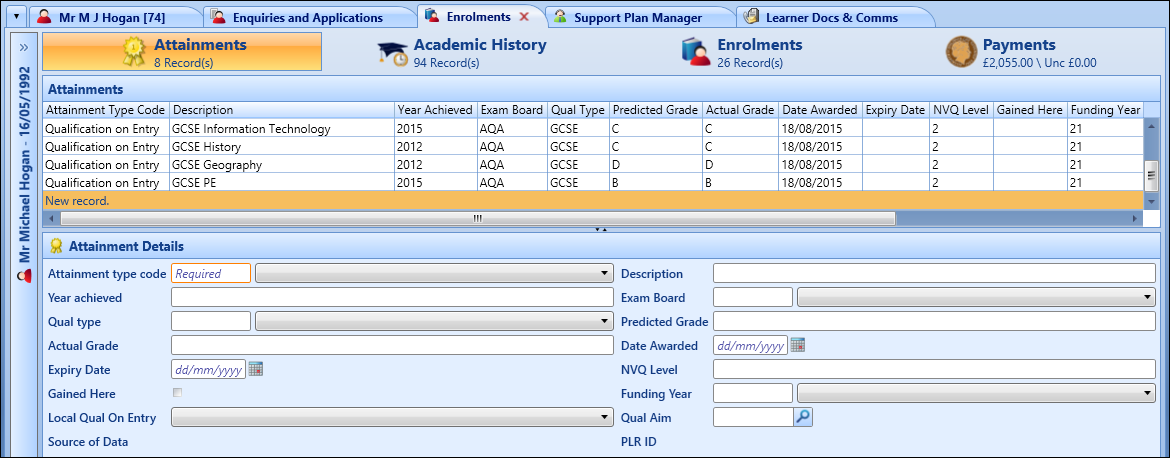
The Attainments screen is displayed, which lists any attainments that have been previously recorded for the current learner.
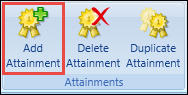
From the Attainments screen, you can:
 Add attainments
To add an attainment for the current learner:
-
Select the Add Attainment button on the Enrolment ribbon.
A new record is added in the Attainments grid.
-
Enter the required details in the Attainment Details section.
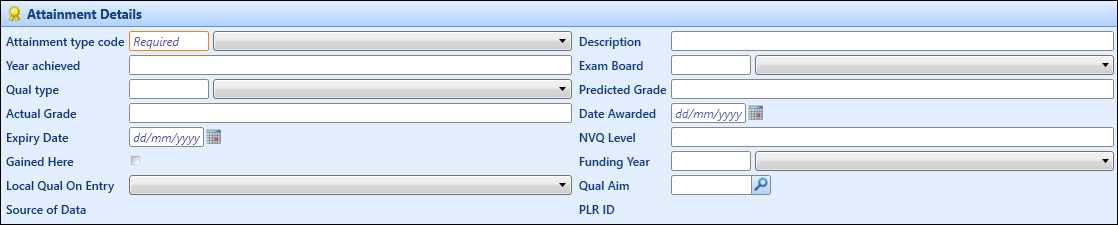
The fields in the Attainment Details section are described in the following table.
-
Select the Save button to confirm the changes.
The attainment record is added.
Duplicate attainments
To duplicate an attainment:
-
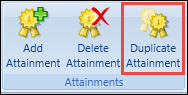
Select the required attainment in the Attainments grid, and then select the Duplicate Attainment button on the Enrolment ribbon.
The details of the selected attainment record are reproduced in the Attainment Details section.
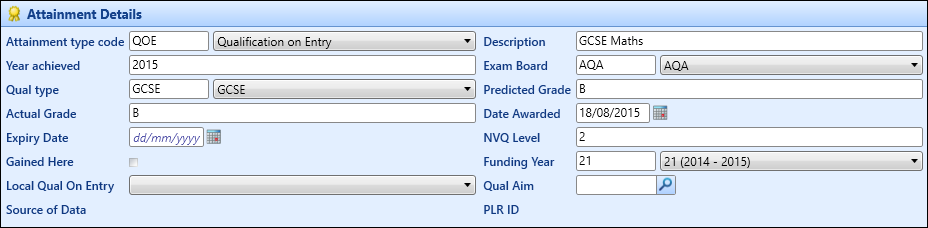
- Amend the attainment details as required. See Add attainments for more information.
-
Select the Save button to confirm the changes.
A new attainment record is created.
Delete attainments
To delete an attainment:
-
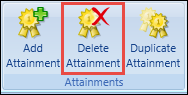
Select the required attainment in the Attainments grid, and then select the Delete Attainment button on the Enrolment ribbon.
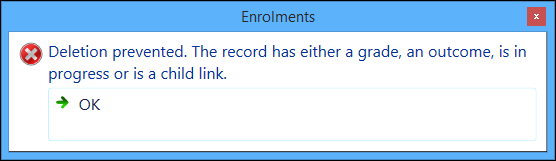
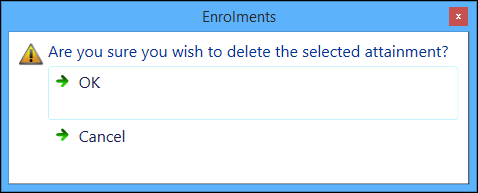
The following message is displayed.
-
Select OK to confirm deletion of the attainment.
The attainment record is deleted.
Important.You cannot delete an attainment that has already been graded.